More Than Minutes: Making the Most of Free Government Phone Service
- Sits under
- Technology
- Posted
- Read time, roughly
- 3 min
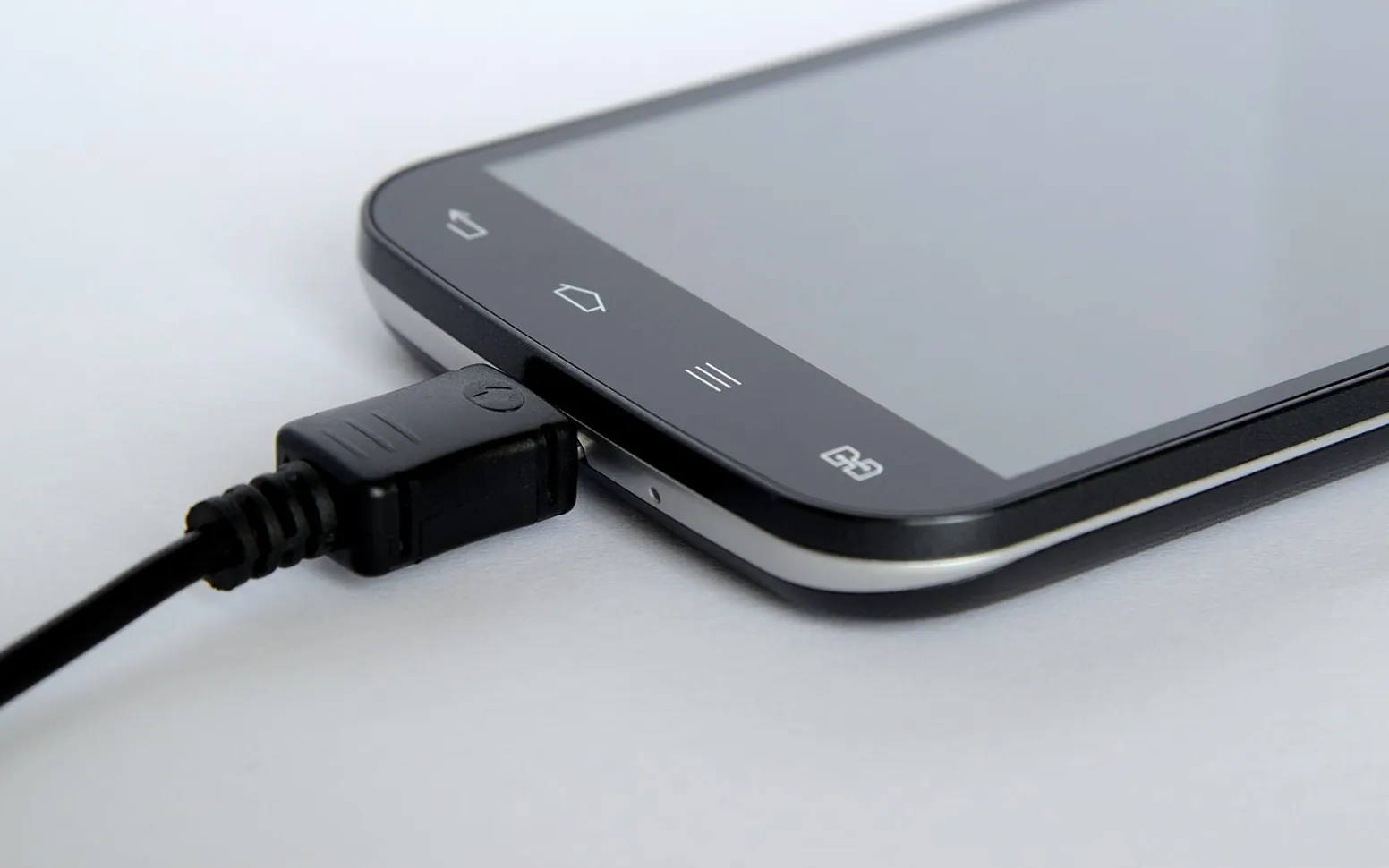
For a household watching every dollar, a phone line that costs nothing each month is more than a convenience. It is how job offers arrive, how clinics confirm appointments, how schools reach parents and how help is called in an emergency. Free phone service is there to support exactly those needs, with talk, text and data for everyday tasks. A few settings and habits can make the benefit go much further.
Know what your plan includes
Plans differ between participating carriers and areas. Many include unlimited texts, a set amount of talk time and a monthly data allowance suitable for email, maps, banking and some video. Some also offer voicemail, hotspot use or limited international options. It is worth asking a few direct questions when you sign up or switch:
- How strong is coverage where I live and work?
- What happens to speed after the monthly data is used?
- Is voicemail included, and is visual voicemail available?
- Can I use the phone as a hotspot for a laptop?
Make the data last all month
Small changes add up, especially if the phone is shared with a family member:
- Turn on the phone's data saver mode and restrict background data for apps that do not need constant updates.
- Switch off video autoplay in social and news apps.
- Download offline maps over Wi-Fi before a long trip.
- Save podcasts, music and videos on Wi-Fi and play them offline later.
- Check the data usage screen weekly to see which apps use the most.
Calls, voicemail and staying safe
Record a clear voicemail greeting with your name, so employers, doctors' offices and schools know they have reached the right person. Check messages at set times, such as lunch and early evening, and return important calls the same day where possible. Keep key numbers saved, and add emergency contacts to the lock screen.
Spam wastes minutes and attention. Use your phone's built-in spam filter, block repeat numbers and avoid posting your number publicly. If a caller asks for personal or benefit details and something feels off, hang up and call the official number on your bill or benefit letter instead. Turning on two-step verification for email and financial accounts adds a strong layer of protection.
Look after the device itself as well: a case and screen protector, a passcode others cannot guess, automatic backups over Wi-Fi, monthly software updates and the built-in "find my phone" feature switched on. Keep the phone's serial number with your benefit paperwork in case you need support or a replacement.
Accessibility, add-ons and staying eligible
Phones include accessibility settings that are easy to miss: larger text, high-contrast display, live captions and hearing-aid pairing. Ask your provider about relay services, TTY support or help in your preferred language if these would make calls easier.
Extra data or international calling add-ons can help in a busy month. Before buying, check whether they renew automatically, how to cancel and the full price including taxes and fees, and take a screenshot of the offer. If anyone pressures you to decide on the spot, it is fine to say no and think it over.
Finally, keep the service active. Use the line each month, respond to recertification notices before the deadline and tell your provider if your income or address changes. Then put the phone to work for your goals, whether that means a tidy job-search list with reminders, a clinic portal app with appointment alerts, or a regular call with family. Used this way, a basic benefit becomes a genuinely useful everyday tool.
Fresh in every section
Good places to start
 InsurancePet Insurance Waiting Periods: How They Work Before Cover Starts4 min
 GardeningWhy Are My Solar Lights Not Working? Simple Checks and Fixes4 min
 Real estateImpact of Singapore’s Real Estate Boom on Local Communities2 min
 Social MediaThe Cost of Ignoring SEO: What Montreal Businesses Risk Losing2 min
Questions? Write to us.
Suggestions help us plan.