How to Check App Permissions on iPhone (and Change Them)
- Sits under
- Applications, Technology
- Posted
- Read time, roughly
- 4 min
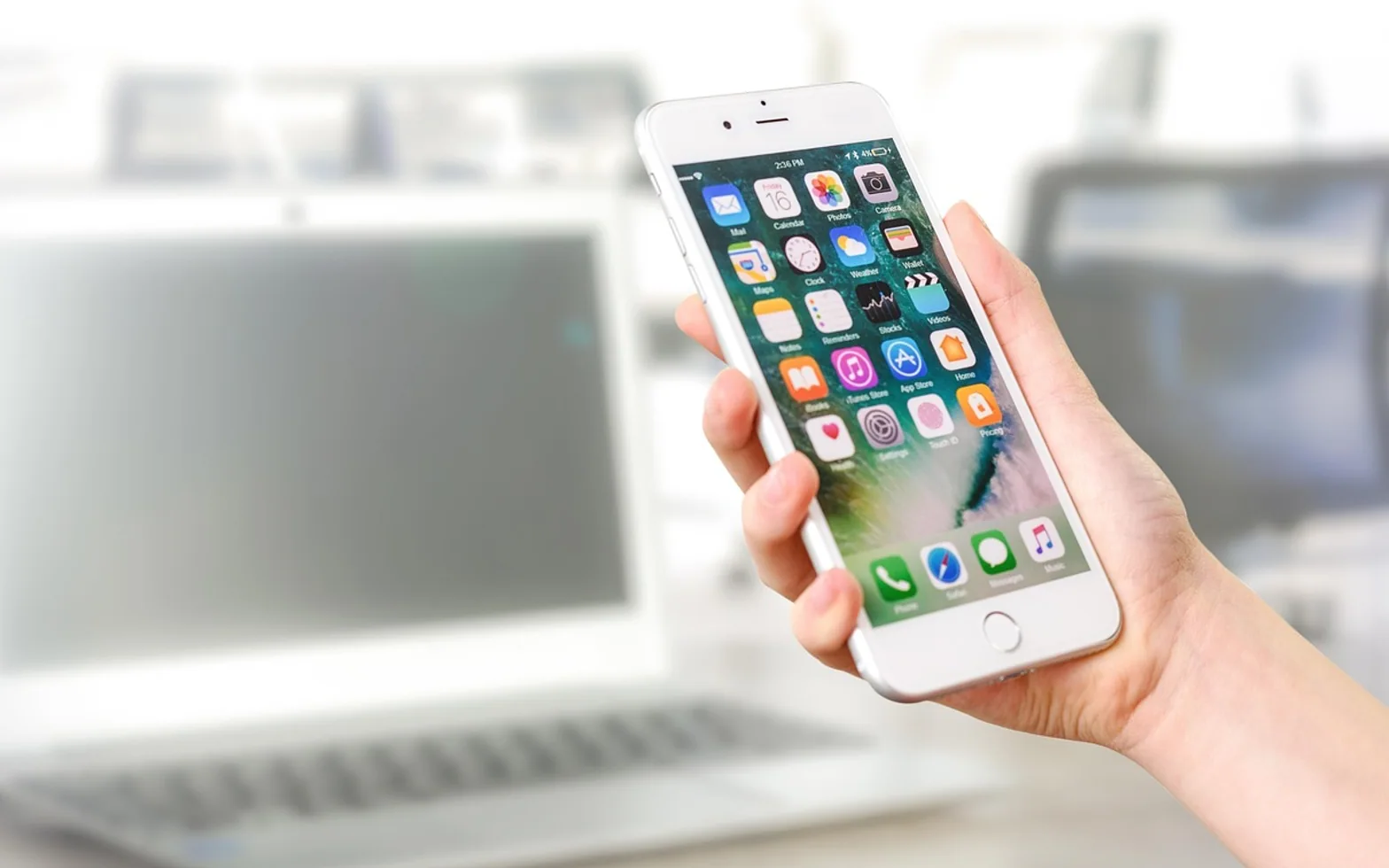
To check app permissions on an iPhone, open Settings, tap Privacy & Security and choose a category such as Location Services, Camera, Microphone, Photos or Contacts. Each category lists the apps that have asked for that access, with a switch or a menu beside each one. To see everything a single app can use, go back to Settings, open the app's own page (under Apps in recent versions of iOS, or further down the main Settings list in older ones) and look at the permissions listed there.
Changes take effect straight away, and you can reverse them at any time. If an app needs the access later, it will usually ask again or point you back to Settings.
Two ways to look: by feature or by app
The feature view under Privacy & Security is the better starting point for a review, because it answers questions like "which apps can hear me?" in one screen. The app view is better when one particular app is behaving oddly or asking for too much.
| Permission | What the app can do | Typical choices |
|---|---|---|
| Location | See where the phone is | Never, Ask Next Time, While Using the App, Always; Precise Location on or off |
| Photos | Read or add pictures and videos | No access, selected photos only, full access |
| Camera | Take pictures or scan codes | On or off |
| Microphone | Record sound, including voice notes and calls | On or off |
| Contacts | Read the address book | No access, selected contacts, full access (varies by iOS version) |
| Bluetooth and Local Network | Find nearby devices such as speakers, TVs or trackers | On or off |
| Tracking | Follow your activity across other companies' apps and sites | Allow apps to ask, or refuse all requests |
The exact wording and the options shown change between iOS versions, so treat the table as a map rather than a word-for-word guide.
A ten-minute permission review
- Start with Location Services. Any app set to Always should have a clear reason, such as a navigation or family-sharing app. Most others work fine with While Using the App, and many need no location at all. Turning off Precise Location gives weather and shopping apps an approximate area instead of your exact address.
- Check Microphone and Camera. Remove access from any app that has no obvious use for it. A video-calling app needs both; a calculator does not.
- Open Photos. Where an app only needs to post the occasional picture, the limited or selected-photos option is usually enough.
- Look at Contacts. Messaging apps often want the whole address book to find friends. Decide whether that convenience is worth sharing everyone's details.
- Review Tracking. If you prefer apps not to ask, the switch at the top of the Tracking screen refuses every request in one go.
- Look at the App Privacy Report, near the bottom of Privacy & Security, once it has collected a few days of data. It shows how often apps actually used the access you granted.
While going through the list, you may notice apps you no longer use at all. Deleting them removes their permissions too, and if you might want one back later, offloading an app instead of deleting it frees the storage while keeping its data.
Signs that an app is using access
The iPhone shows small coloured indicators at the top of the screen while sensitive features are active: a green dot when the camera is in use and an orange dot for the microphone. A location arrow appears in the status area or Control Centre when an app has recently asked for your position. Opening Control Centre usually names the app responsible. If an indicator appears when you are not using any app that should need it, that app is worth a closer look.
When turning a permission off breaks something
Removing access rarely causes damage, but it can make a feature stop working without a clear message. A scanner that shows a black screen, a voice note that never records or a map stuck on the wrong town is often a permission problem rather than a fault. Before reinstalling anything, check the app's page in Settings; if the app still closes or freezes with the right access in place, the steps in the guide to apps that keep closing are the next place to look.
Some apps genuinely depend on broad access. Accessibility tools that describe a scene, read printed text or caption speech need the camera or microphone to do their job, and the range of AI tools that make technology easier to use keeps growing. For those, a better question than "should this be on?" is "do I trust how this developer stores what it captures?" The app's privacy label on its store page and its own privacy policy answer part of that.
Family phones and shared devices
On a child's iPhone, Screen Time can lock privacy settings so they cannot be changed without the parent's passcode, and it can limit which apps may be installed in the first place. The same thinking applies to the other screens in the house: streaming boxes and TV apps have their own profiles, PINs and age ratings, explained in the overview of parental controls on internet TV. Reviewing both on the same evening keeps the rules consistent across devices.
Short answers
Do iPhone apps keep permissions after an update?
Yes. Updates normally keep the access you granted. A new feature may trigger a fresh request.
Is "Ask Next Time" safer than "While Using the App"?
It gives you a decision each time the app wants your location, which suits apps you rarely open. For apps you use daily, the repeated prompts can become tiresome.
Can I reset every permission at once?
Resetting location and privacy settings is possible from the Transfer or Reset area of the General settings, but it affects every app at once. Reviewing the categories one by one is usually the gentler route.
Fresh in every section
Good places to start
 InsurancePet Insurance Waiting Periods: How They Work Before Cover Starts4 min
 GardeningWhy Are My Solar Lights Not Working? Simple Checks and Fixes4 min
 Real estateImpact of Singapore’s Real Estate Boom on Local Communities2 min
 Social MediaThe Cost of Ignoring SEO: What Montreal Businesses Risk Losing3 min
Questions? Write to us.
Suggestions help us plan.